
-
·
App Settings and Bulk Operations
Barcode Settings ScanWay can generate barcode images from either the Barcode or SKU fields from product variants. Make sure that the values in these fields are valid values for the type of barcode being generated. If an invalid value is used, no image will be generated. ScanWay can also generate 4 types of barcode images.…
-

·
App Settings
Read about how to use the App Settings in the Barcode Inventory Management app for Ecwid by Lightspeed.
-

·
Manage Your Surprise Box Inventory Better
Ecommerce platforms don’t manage your surprise box inventory themselves. Barcode Inventory Management can help you modify product inventory during picking!
-
·
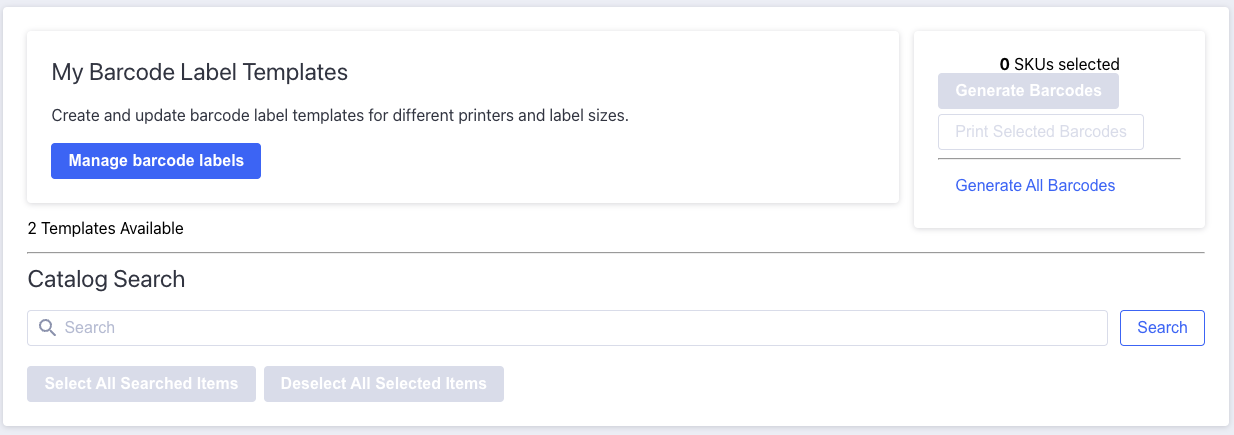
Manage Barcode Label Templates in BigCommerce
Manage and print barcodes and barcode labels with the Barcode Inventory Management app for BigCommerce stores.
-
·
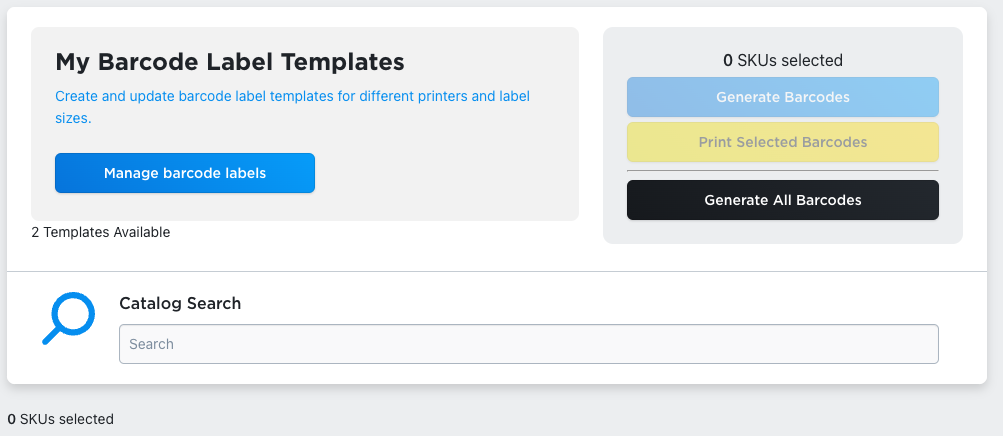
Manage Barcode Label Templates
Manage and print barcodes and barcode labels with the Barcode Inventory Management app for Ecwid by Lightspeed stores.
-

·
Add Inventory in Bulk Using the Barcode Inventory Management App for Ecwid
Read about the batch “add inventory” tool from the Barcode Inventory Management app for Ecwid by Lightspeed.
-

·
Print Barcode Labels
Print Code 128 barcodes based on your product and variation SKUs with the Barcode Inventory Management app for Ecwid by Lightspeed.
-
·
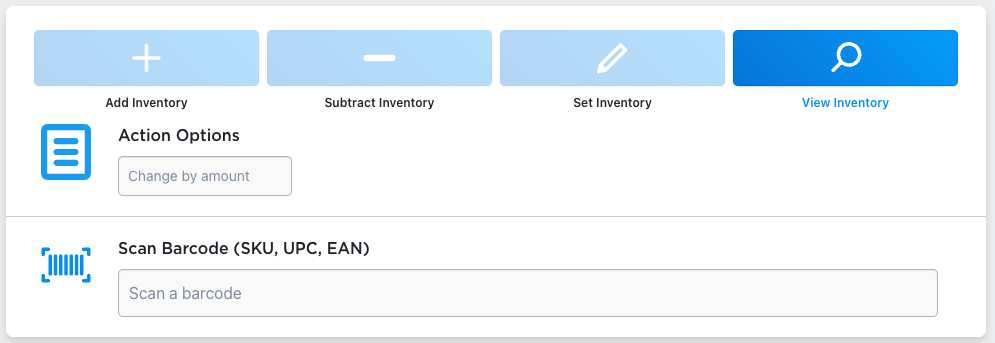
Live Inventory Modification
Make unstructured inventory checks and modifications instantly with the Barcode Inventory Management app for Ecwid by Lightspeed.
-
·
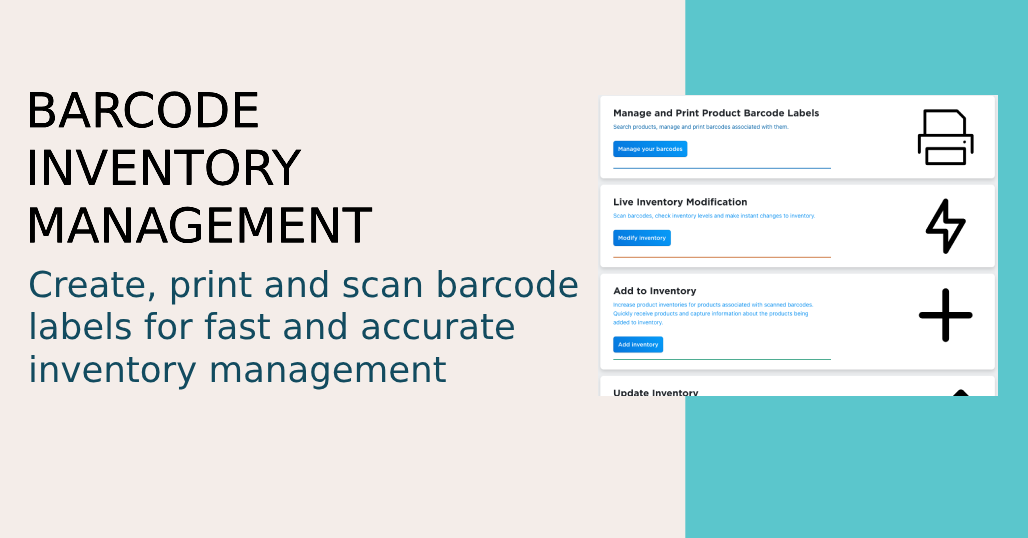
Getting Started
Getting started with the Barcode Inventory Management app for Ecwid by Lightspeed. Modify your store’s inventory with barcode labels.
-
·
Update Inventory
Batch update inventory levels for your products and variations with the Barcode Inventory Management app for Ecwid by Lightspeed.