

If you’re looking to print labels for products based on an unfulfilled order, use the Print Labels from Order tool. As long as you have a label template set up, you should be able to browse through your store’s unfulfilled orders and simply download a print file based on the items and quantities of line items from the selected order.
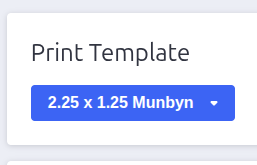
Select a template
When the tool is opened, you should see a section with your templates at the top of the page. You should be able to click on the dropdown list to pick a label template that you’re looking to download the print file based on.
Find unfulfilled orders
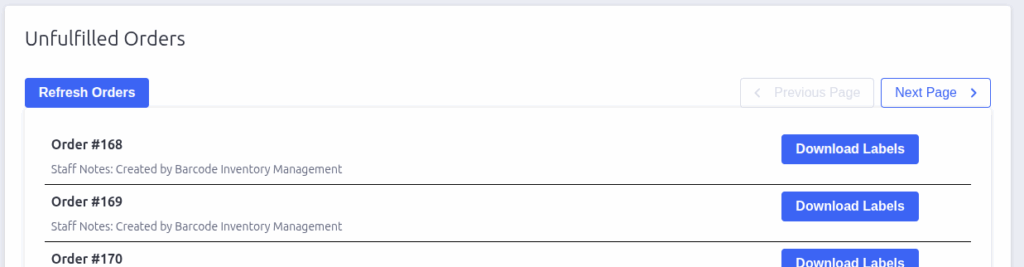
Below the template selection panel, you should see a panel listing your store’s unfulfilled orders. You can paginate through open orders using the navigation buttons at the top right of the list, or refresh the orders by clicking on the Refresh Orders button.
You can click on the name of an order to open the order in BigCommerce, to verify your selection. When you’re ready to download a print file for an order’s items, click the Download Labels button in the order’s row.

Barcode Inventory Management for BigCommerce
Barcode Inventory Management can help you manage your store’s warehouse, inventory and orders. Try now, and get a 7 day free trial!
Hopefully this article has inspired you to make improvements to your inventory management systems. If you’re interested in reading more, check out our blog here, or try out the apps today. The Shopify, Ecwid by Lightspeed and BigCommerce versions of the app come with a 1 week free trial, so you can test them out, hassle free!
If you have any questions about A Thousand App’s apps, please reach out to us at support@athousandapps.com and we’ll happily address any concerns you have!