
-
Create a Warehouse Receiving Order
What are Warehouse Receiving Orders? In the Supplier Purchase Orders app, a Warehouse Receiving Order (WRO) ensures that when you receive goods from a supplier, your BigCommerce inventory updates correctly (if applicable), and you capture important shipment information—like costs, quantities, and any adjustments. This establishes a clear audit trail in the Supplier Purchase Orders app.…
-
Create and Update Purchase Orders
Before You Begin: Prerequisites Creating Purchase Orders When you have suppliers and supplier assignments created, you should be in a good place to start creating purchase orders. From the purchase orders section of the Supplier Purchase Orders app, you should see a list of outstanding purchase orders, but also the + New Purchase Order button.…
-
Manage Purchase Orders
Why Managing POs is Important Understanding PO States in the App When you create purchase orders, you’ll need to manage them through several states. Different options are available at each point in time, representing the actions that should be taken before moving on to the next state. Using the PO List Effectively When looking at…
-

Pick and Verify Orders with BigCommerce
Scan barcodes to complete order checklists. Improve order picking accuracy in BigCommerce with the Pick and Verify tool from Barcode Inventory Management
-

Create Pickup Orders with BigCommerce
Scan products and create pickup orders for any location with a pickup method in BigCommerce using the “Create Order” tool in the Barcode Inventory Management app
-

Better Picking Processes For Your Online Store
Accurate picking can result in huge savings and should be taken seriously. Save on labour costs and solidify your brand loyalty with better picking processes!
-

Organizing Short Shelf Life Products Better
Minimize your inventory write-downs from expiring products. If you’re throwing inventory out, see these tips to help with organizing short shelf life products.
-

Receiving Inventory Like A Professional
Improve the way you’re receiving inventory for your Ecwid by Lightspeed or BigCommerce store with these process improvement tips!
-

Getting Started
Getting started with the Barcode Inventory Management app for BigCommerce. Modify your store’s inventory with barcode labels.
-
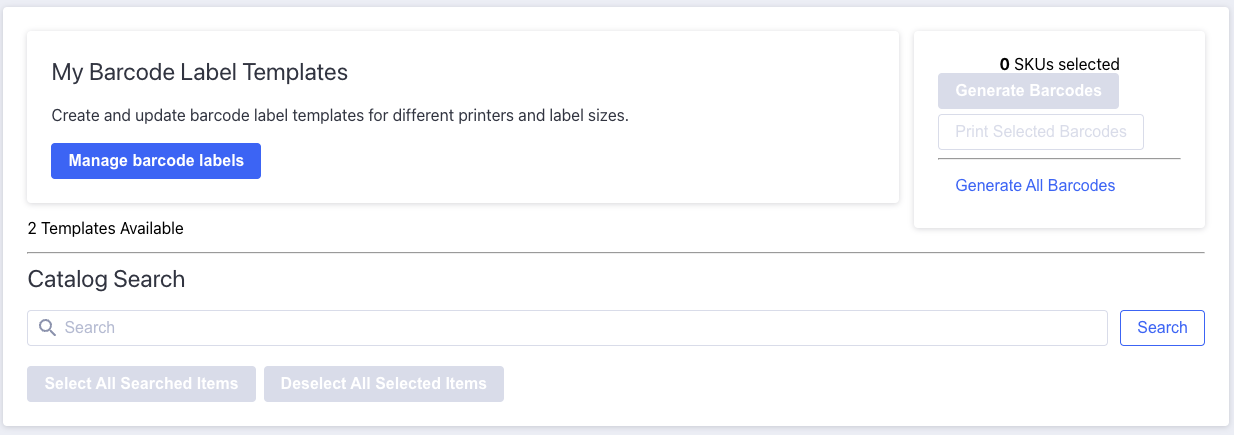
Manage Barcode Label Templates in BigCommerce
Manage and print barcodes and barcode labels with the Barcode Inventory Management app for BigCommerce stores.
Category: Bigcommerce Apps
Posts about Bigcommerce apps